

If You Don't Want to Read, CLICK HERE to Watch a Video Instead
Whether you are an influencer, an aspiring editor or just want to add a new skill to your repertoire, I have got you covered. Today I am going to tell you about the BEST FREE video editors for PC. Whether you’ve got a beast of a system or a decade old laptop, whether you just wanna edit for fun or want to pursue this career professionally, you are at the right place.
Ones to Avoid

Before we begin let’s talk about the ones that you shouldn’t be looking at. These include software like VSDC, Openshot and Shotcut. These apps have a few problems, and here’s what I am talking about.
Unconventional UI
These apps have a really unconventional User Interface, that feels very random and can feel really overwhelming, especially for beginners. And actually getting used to these software might actually make it difficult for you to switch to mainstream software like Premiere or Final Cut Pro in the future.
Lack of Support
Another major drawback of these apps is that they lack support. Both from the company and the community. Unlike Premiere, Final Cut Pro or Hitfilm, that have constant updates and bug fixes, along with hundreds and thousands of tutorials that you can find on YouTube, these apps are not very popular and thus lack both kinds of support.
Best For Beginners
Now that we’ve got that out of the way. Let’ talk about the ones you should consider.
Canva🔗
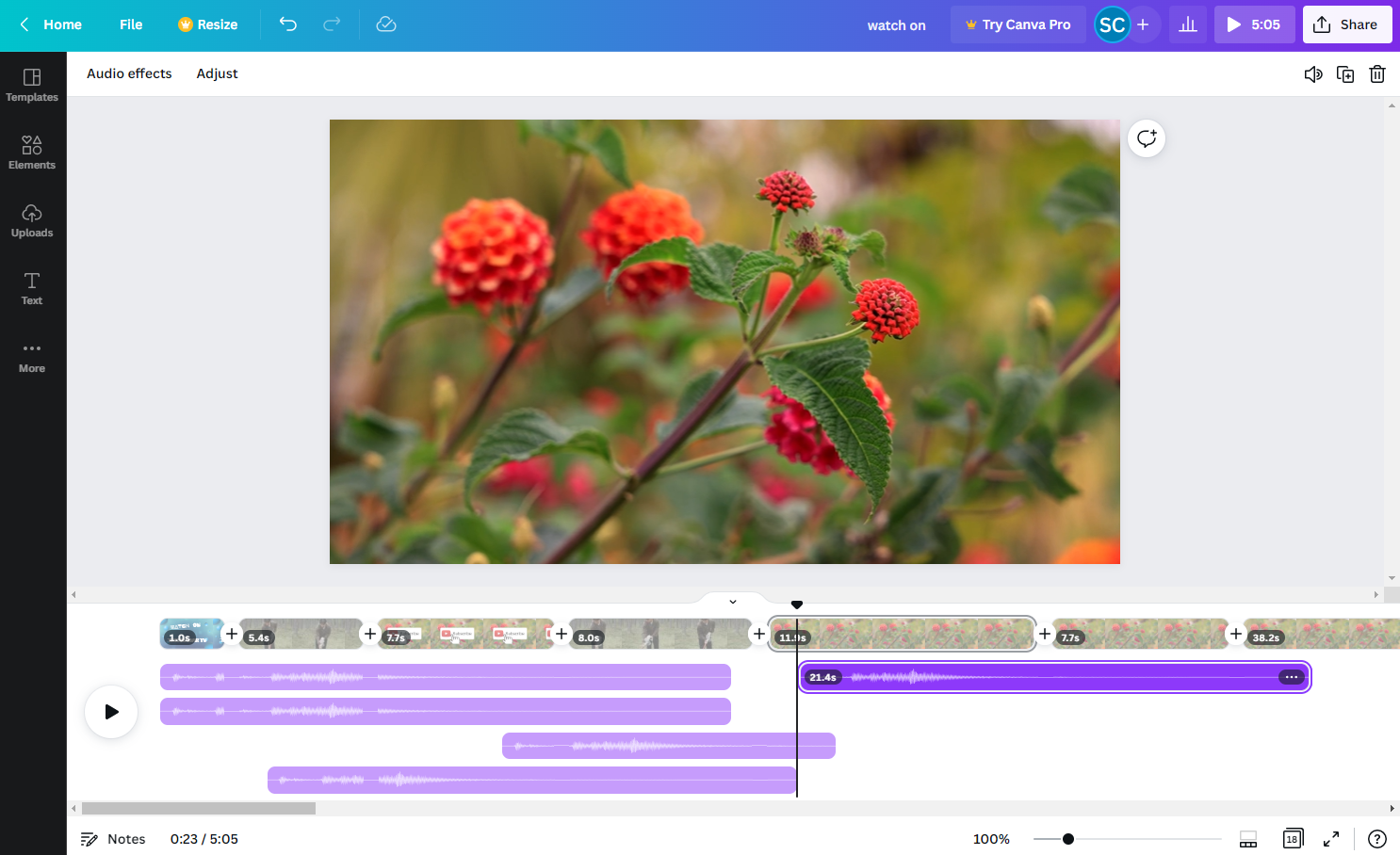
Canva, I don’t really need to elaborate what exactly it is. Being a web-based app this is a graphic and video all-in-one tool. Whether it’s Thumbnail Design, Social Media Post or Presentations, it has everything. And yes it also has video editing capabilities.
Although it is not really well-equipped for proper video editing, and I (or any other video editor) would not prefer it over their most used app anyway, it can be a good starting point for those who are just starting out, or want to make something quick using pre-built templates.
That is probably Canva’s strongest suite – Templates. From simple intros to infomercials, to full fledged explainer videos, it has templates for all your projects. And being a web-based app, it is actually very light on system requirements. Not only can you use it on PC but also on phone for some on-the-go editing.
Clipchamp🔗
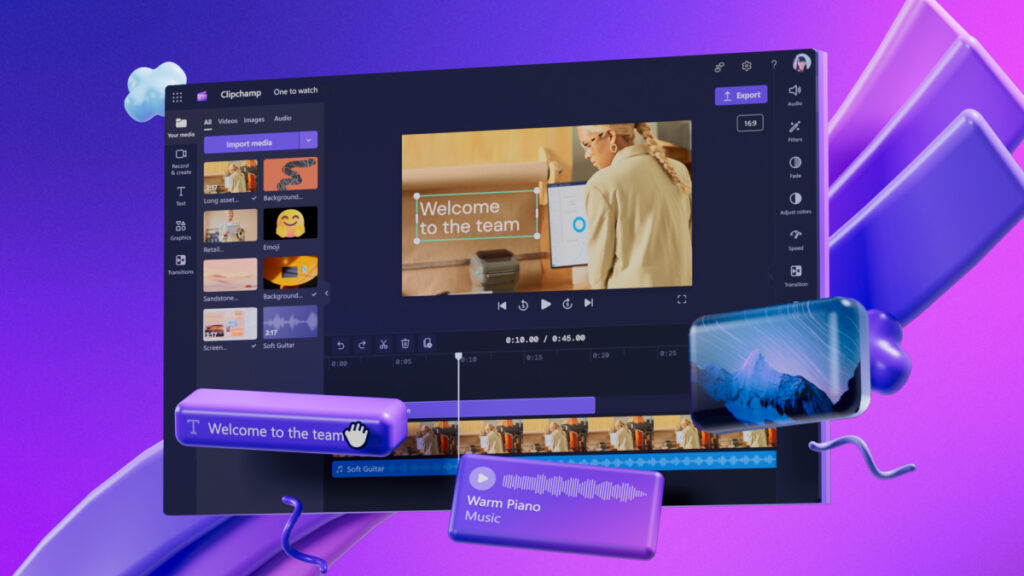
Clipchamp by Microsoft is actually something I can wholeheartedly recommend to every beginner out there. Not only does it have a proper and conventional UI, it also comes loaded with features, all the while being a web-application. Meaning you can use it on your PC, phone or tablet. It has a proper timeline that supports multi-layered editing, advanced features like chroma key and extra features like a Text-to-Speech, screen recorder and vast library of easy to access stock media are some of its key features. It also has pre-built templates and supports upto full HD (1080p) exports for free. For Exports over 4K you will have to get their professional plan.
But hey, if you are editing 4k videos, you should probably get a better piece of software. And that’s what we’ll be discussing next.
Best For Professionals
Next let’s talk about professional software, that come with a steep learning curve and almost every professional feature that you might need.
Davinci Resolve🔗
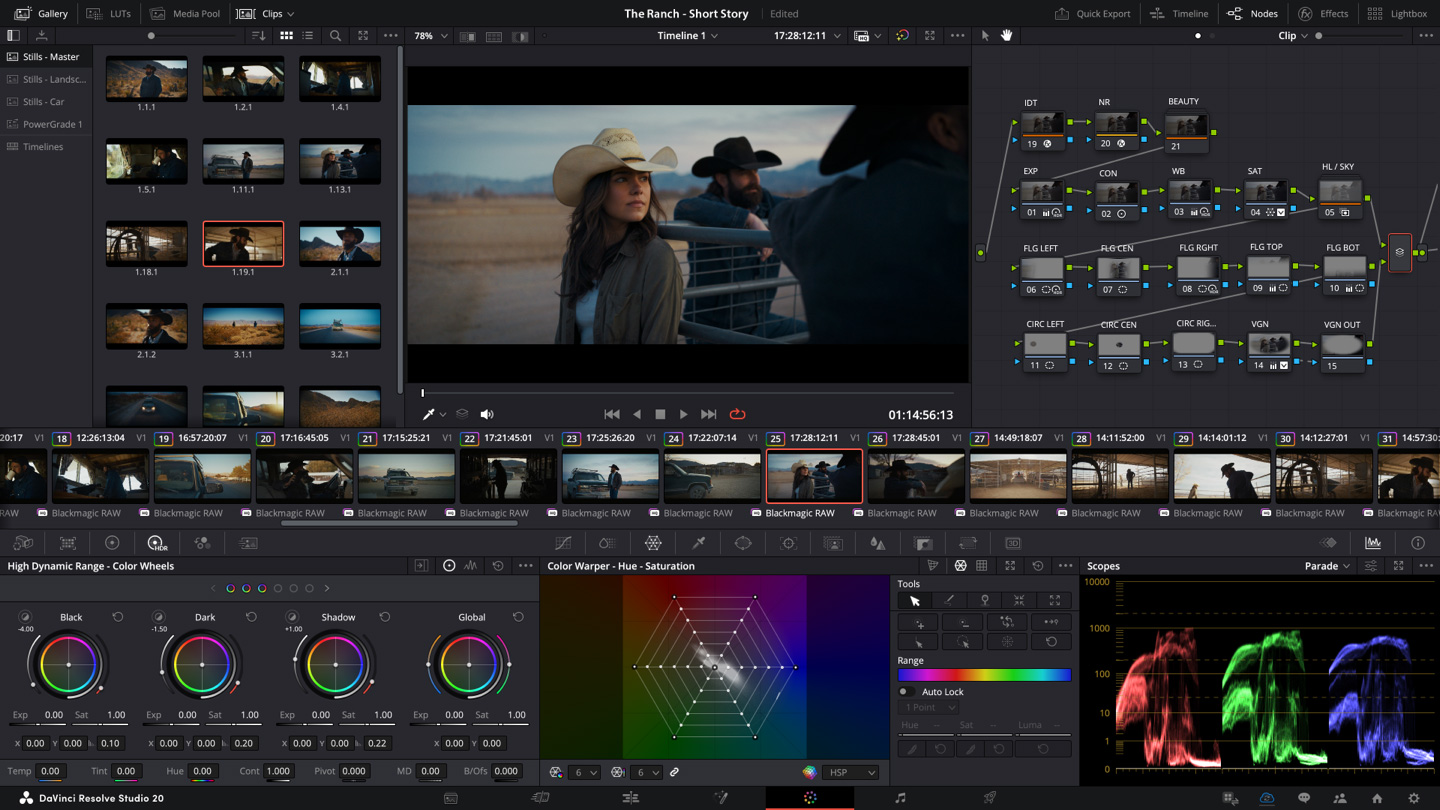
Davinci Resolve is another strong contender, but unlike Clipchamp and Canva, it's a downloadable software. This means it offers more features and power, but with a steeper learning curve and higher PC requirements. It's considered industry standard for professional editing, VFX, and color grading, all in one package. If you're looking for a free option with professional capabilities to edit high-resolution videos, Davinci Resolve is definitely worth the effort to learn. Another big reason to learn this software is its popularity, that directly translates to more tutorials, support and community plug-ins.
Hitfilm Express🔗
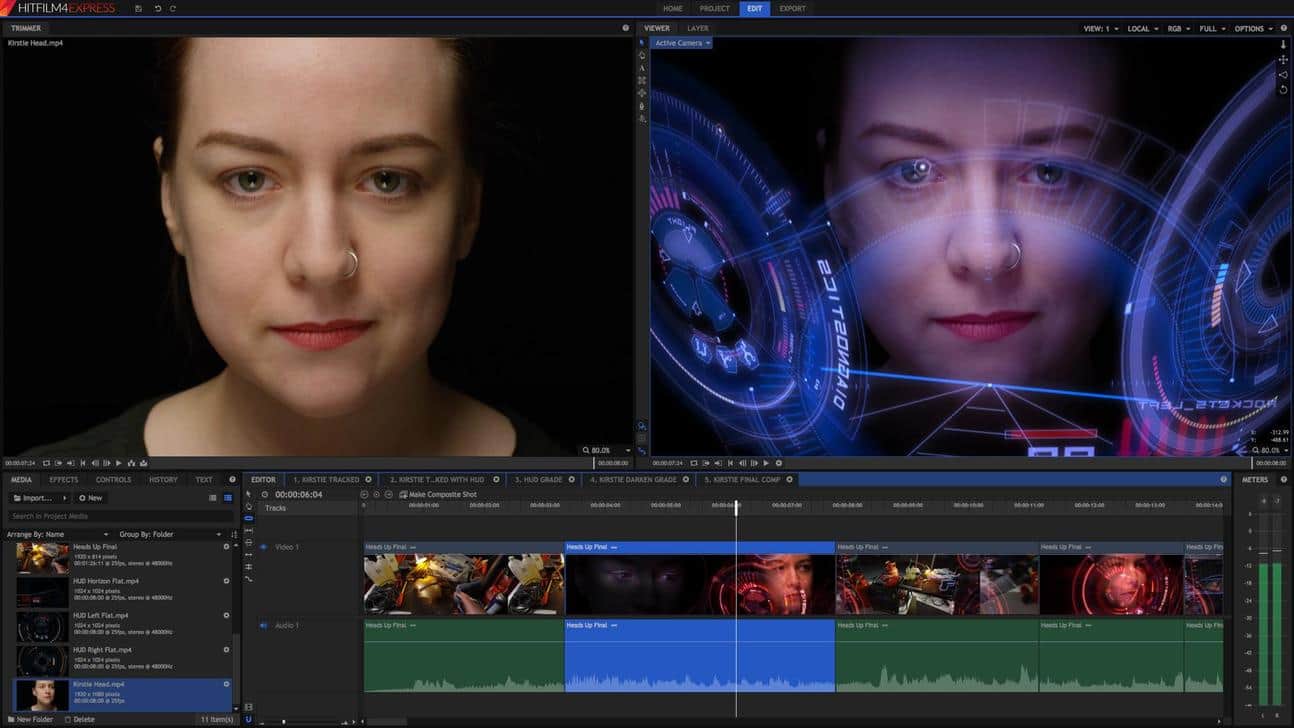
Hitfilm Express is another excellent free option for aspiring editors or those who want powerful tools without a hefty price tag. Similar to Davinci Resolve, it's a downloadable program offering a comprehensive suite for editing and compositing. While it might not be quite as industry-standard as Resolve, Hitfilm Express boasts a user-friendly interface and a surprising range of features, including animation tools, motion tracking, and even some 3D capabilities. It's a great choice for those who want to learn professional-grade editing techniques without breaking the bank, and with a bit of dedication, you can create stunning visuals with Hitfilm Express.
My Favourite (CapCut)🔗
CapCut is my personal favorite for a reason: it's incredibly user-friendly. Unlike some professional software, CapCut offers a streamlined interface that's perfect for beginners and casual creators alike. This makes it a fantastic choice for the vast majority of users out there. CapCut also caters perfectly to individual video creators, with tons of features specifically designed for platforms like TikTok and Instagram and YouTube Shorts. Whether you're adding trendy effects, captions, or music, CapCut helps you create engaging videos without getting bogged down in complexity. It is also an extremely popular software with tons of tutorials available for free on YouTube. And despite being a heavylifter in terms of what it offers, it works surprisingly well on my old laptop especially when compared to heavy apps like Davinci and HitFilm.
So, I hope you learned something new, if you found this helpful then do let me know in the comments, see you next time.
Post a Comment